Real Lessons From Building This Database
Here’s What
No One Tells You
How to Build a Dataverse Database the Right Way (So You Don’t Rebuild It 3 Times Like I Did)
If you want to effectively build a Dataverse Database, you need to understand the foundational principles involved in the process.

The Biggest Mistake—Treating Dataverse Like Excel
I didn’t build my Dataverse database once—I rebuilt it multiple times.
Not because I didn’t know how to use Power Platform…
but because I didn’t fully understand what it takes to build and maintain a database in a real business environment.
If you’re moving from Excel to Dataverse, or trying to centralize your data across systems like Azure DevOps and Power BI, this guide will save you weeks (honestly… months) of frustration.
Because here’s the truth:
Building the database is the easy part.
Maintaining it—that’s where everything breaks.
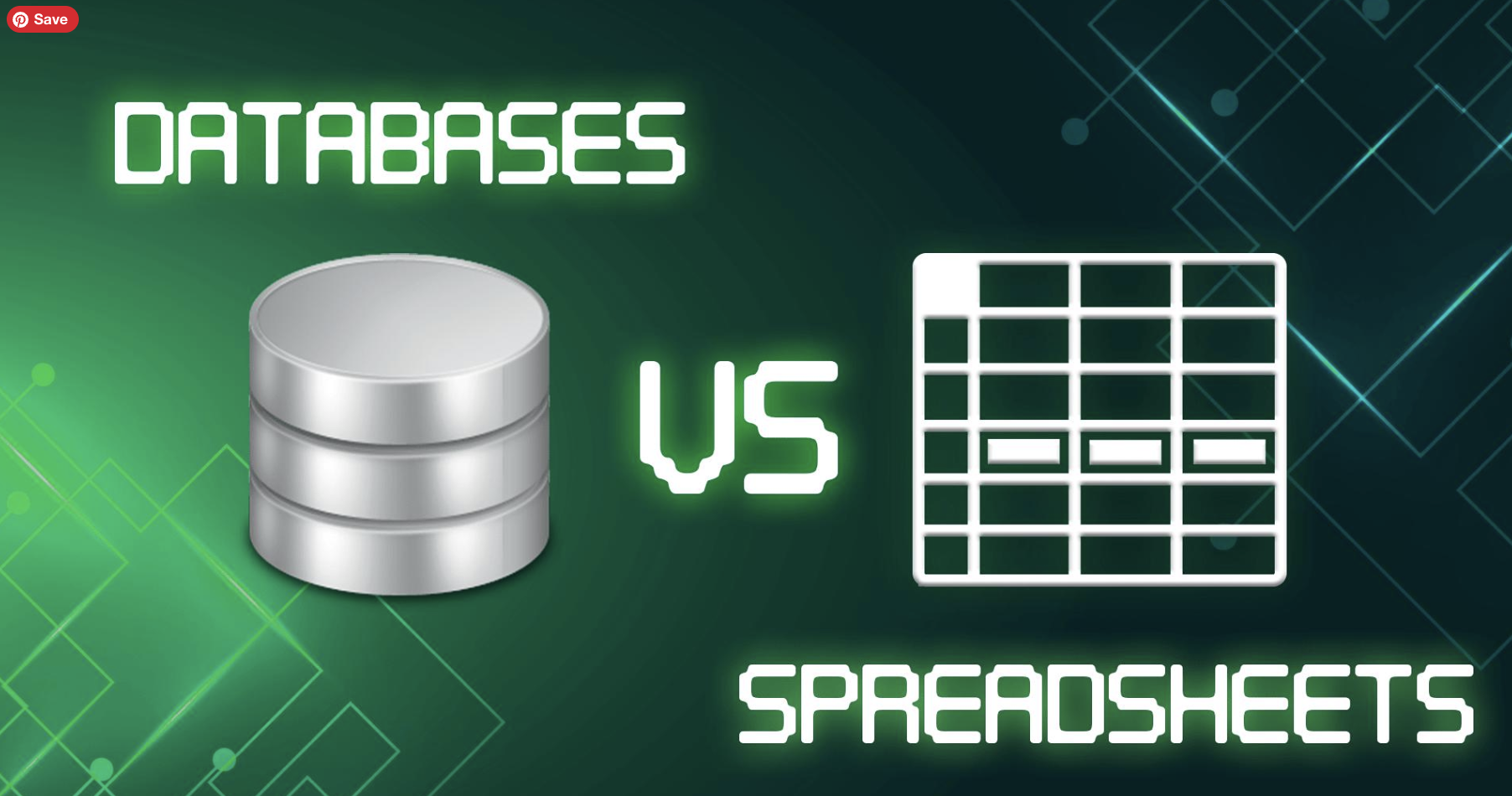
🔴 1. The Biggest Mistake: Treating Dataverse Like Excel
When I first started, I tried to recreate my Excel model inside Dataverse. Big mistake. Excel lets you:
- Add columns whenever you want
- Store everything in one place
- Adjust logic on the fly
Dataverse doesn’t work like that. It requires:
- Structured relationships
- Defined schemas
- Intentional design
💥 Pain Point:
I initially built too many tables (we’re talking 60+ tables) trying to mirror every piece of logic and flexibility from Excel.
💡 Lesson Learned:
If you rebuild your spreadsheet in Dataverse, you’re not building a database—you’re creating a more complicated spreadsheet.
Many users find it challenging to build a Dataverse Database that meets their needs, which is why following a structured approach is essential.
🆚 Dataverse vs Excel: What’s the Difference (and Why It Matters)
When you build a Dataverse Database, always keep scalability in mind for future growth.
If you’re coming from Excel, it’s easy to assume Dataverse is just a more powerful version of it.
It’s not.
They serve completely different purposes—and confusing the two is one of the biggest reasons database projects fail.
📊 Side-by-Side Comparison
| Feature | Excel | Dataverse |
|---|---|---|
| Structure | Flat tables | Relational (linked tables) |
| Flexibility | Very high | Structured & controlled |
| Data Integrity | Low (manual) | High (rules & relationships) |
| Scalability | Limited | Enterprise-level |
| Automation | Minimal | Built-in via Power Automate |
| Source of Truth | Hard to enforce | Designed for it |
| Collaboration | File-based | System-based |
| Maintenance | Manual | Automated + governed |
💥 Real-World Pain Point
We tried to use both at the same time:
- Excel for leadership reporting
- Dataverse for structured data
- ADO feeding in changes
What happened?
👉 Constant duplication
👉 Manual reconciliation
👉 Confusion on what was “correct”
💡 Lesson Learned
Excel is a tool.
Dataverse is a system.
And trying to run both as systems?
👉 That’s where everything breaks.
🧠 When to Use Each
Use Excel when:
- You need quick analysis
- You’re exploring data
- You don’t need strict structure
Use Dataverse when:
- You need a single source of truth
- Multiple systems/users are involved
- Data needs to scale and persist
🔥 The Hard Truth
If your organization hasn’t decided which system is the source of truth…
your database will never fully stabilize.
Understanding how to build a Dataverse Database is crucial for data integrity and management.
🟠 2. Start With Your Operating Model—Not Your Tables
Before you create a single table, you need to answer:
- What is the source of truth?
- Who updates the data?
- How often does it change?
- What needs to be automated vs manual?
💥 Pain Point:
We skipped this.
So we ended up maintaining:
- Excel (“All-in file”)
- Dataverse database
- Azure DevOps data
- Power BI outputs
All at the same time.
💡 Lesson Learned:
A database without an operating model isn’t a system—it’s a future problem.
Before you build a Dataverse Database, you should clarify your operating model to avoid confusion in data management.
When you decide to build a Dataverse Database, start with your core tables for effective management.
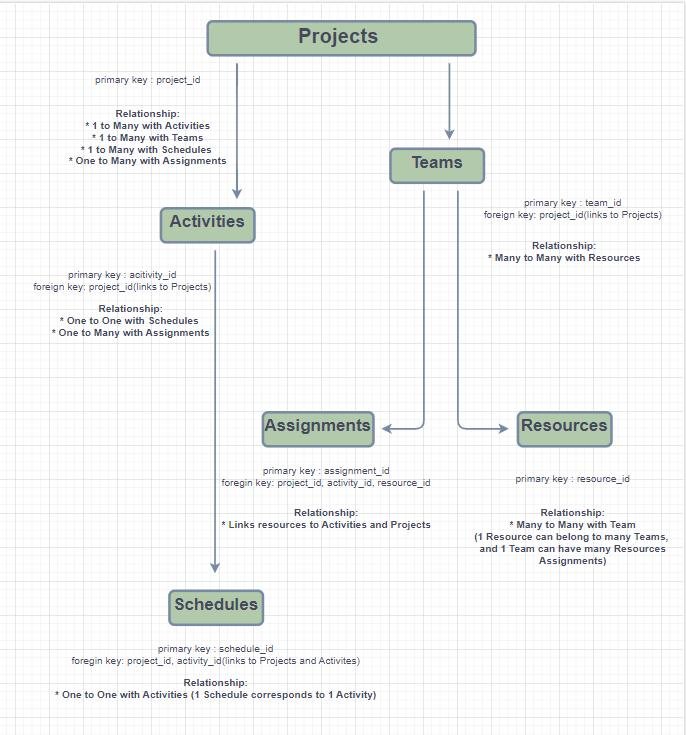
You don’t need dozens of tables to start.
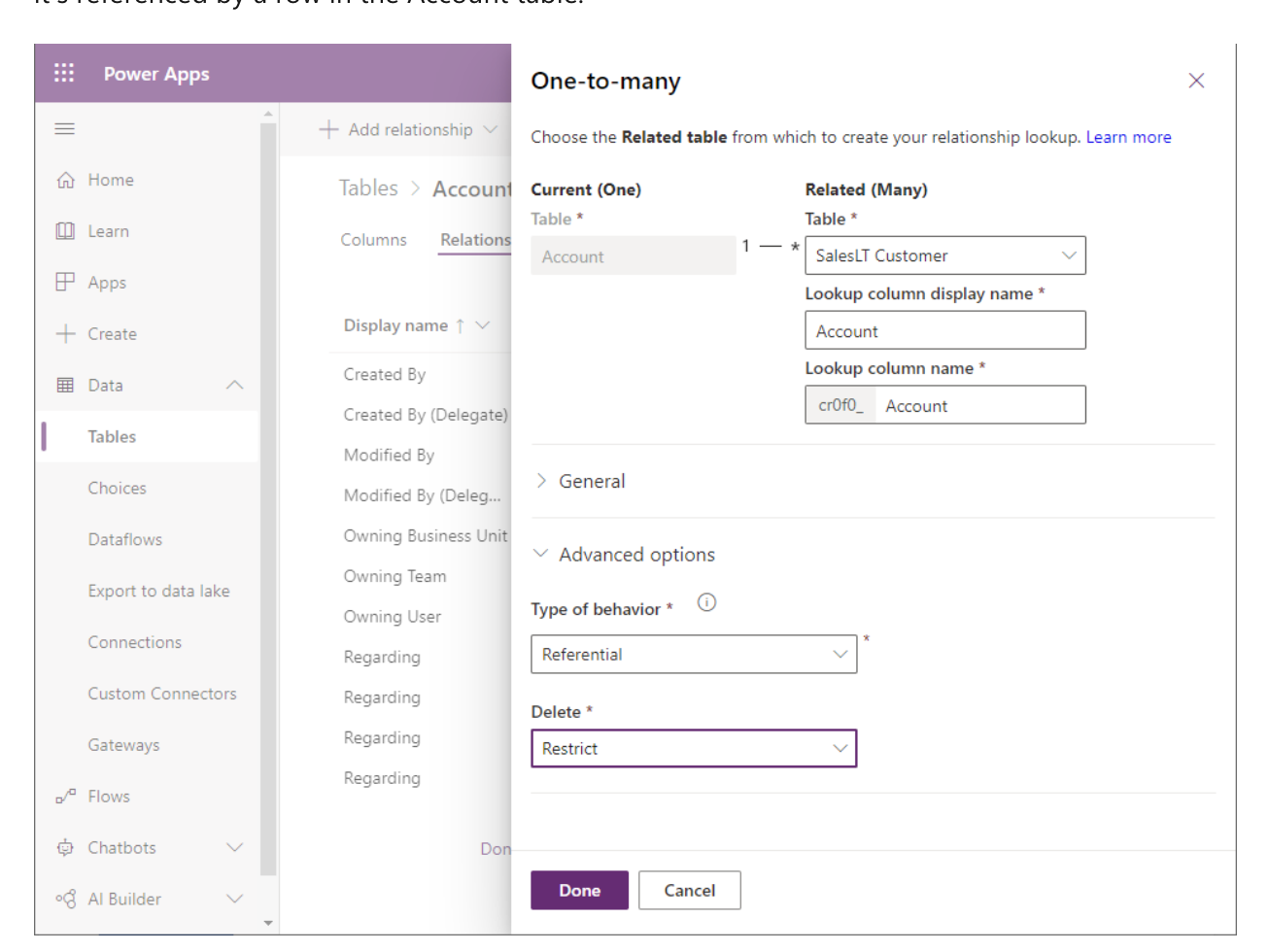
A solid foundation might look like:
- Projects (Master Table)
- Financials (Monthly/Snapshots)
- ROI Calculations
- Intake Requests
💥 Pain Point:
We overbuilt early—creating tables for every possible scenario before knowing what would actually be used.
Then…
- Requirements changed
- ADO got introduced
- Half the structure became irrelevant
💡 Lesson Learned:
Start simple. You can always expand—but rebuilding a complex structure is painful.
🟢 4. Design for Change (Because It WILL Change)
Being adaptable is key when you build a Dataverse Database to ensure it evolves with your business needs.
Your database is not static.
Things will change:
- Business rules (FTE thresholds, pipeline definitions)
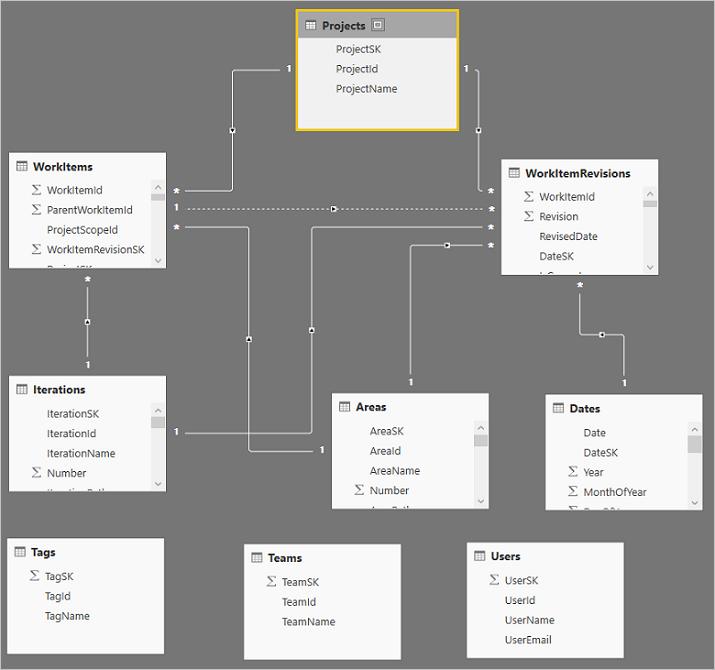
- Data sources (hello, Azure DevOps 👋)
- Reporting requirements
💥 Pain Point:
We built based on “current assumptions”… and then everything shifted:
- New rules on what qualifies as a project
- Inconsistent data in ADO
- Leadership changing expectations mid-build
💡 Lesson Learned:
If your design can’t adapt, it will break the moment the business changes direction.
🚨 Pro Tip
🔵 5. Automation Isn’t Optional—It’s the System
To build a Dataverse Database, automation is essential to maintain efficiency in operations.
If your database relies on manual updates… it will fail at scale.
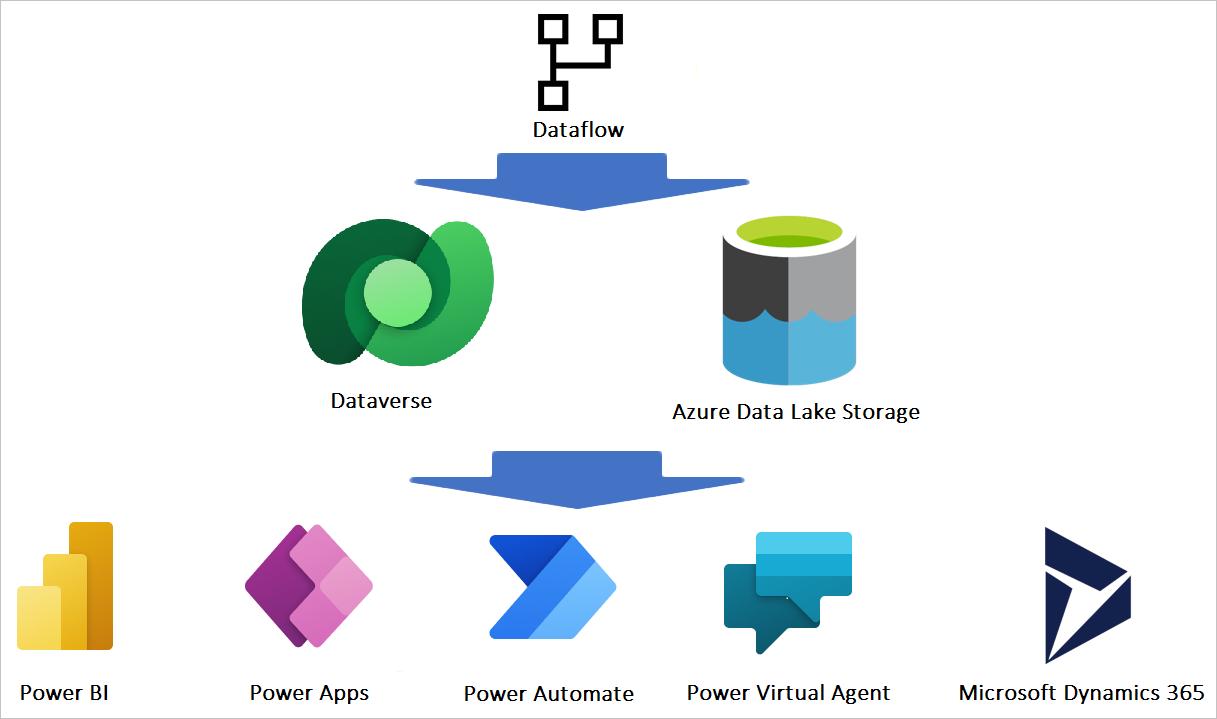
Automation should handle:
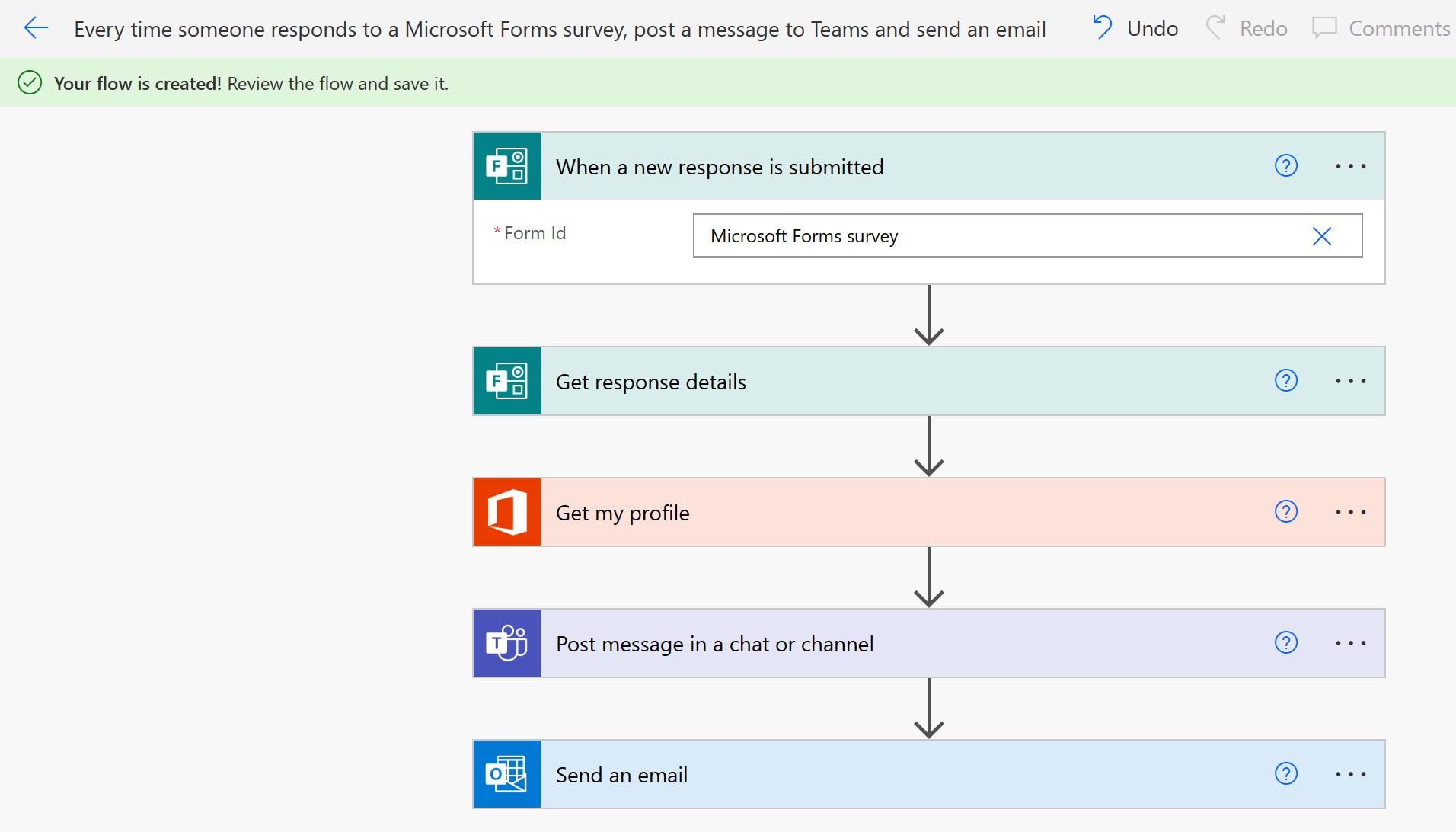
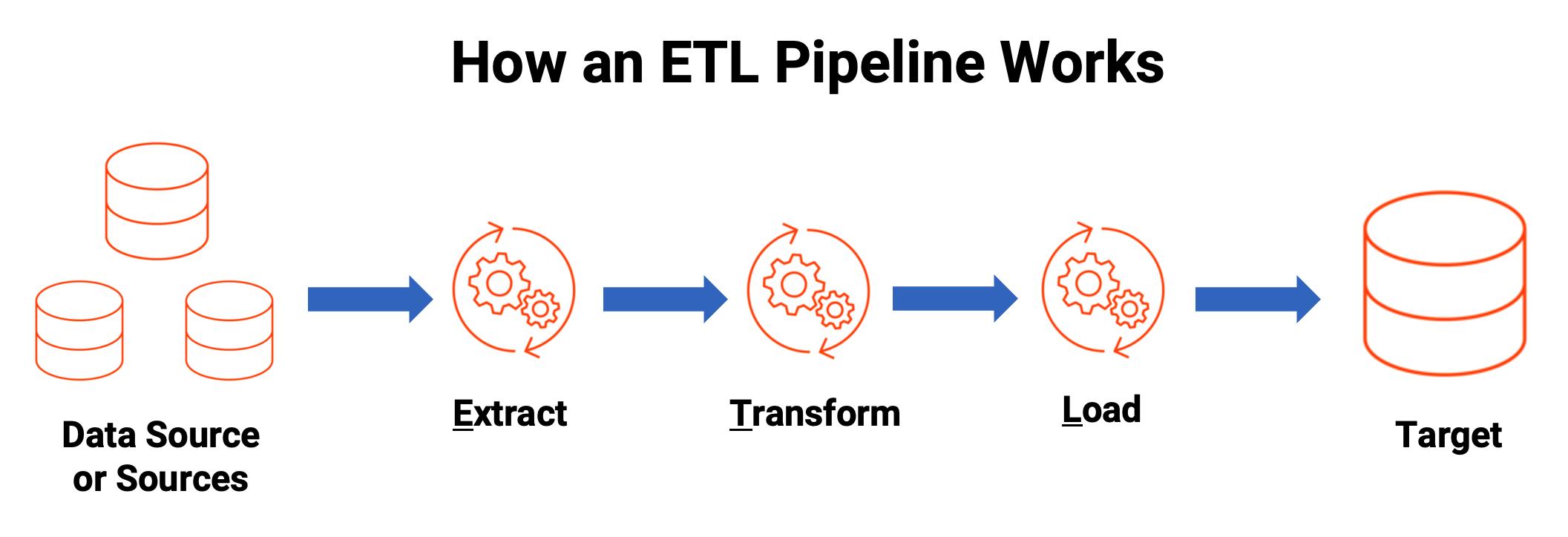
- Data ingestion (ADO → Dataverse)
- Updates (upserts, not duplicates)
- Synchronization across systems
💥 Pain Point:
At one point, everything was manual:
- Tables weren’t connected
- Data wasn’t flowing
- Updates had to be made in multiple places
And there simply wasn’t enough time to keep up.
💡 Lesson Learned:
If your database depends on manual updates, it’s not a system—it’s a spreadsheet with extra steps.
🟣 6. The Real Problem: Maintenance at Scale
Maintaining a Dataverse Database is just as important as building it, as it impacts overall performance.
This is the part no one talks about.
💥 Pain Point:
We were trying to:
- Maintain Excel
- Maintain Dataverse
- Integrate ADO
- Handle daily change requests
All at once.
That led to:
- Duplicate work
- Constant reconciliation
- Slowed progress
- High stress (real talk 😅)
💡 Lesson Learned:
The hardest part of building a Dataverse database isn’t building it—it’s maintaining it when your organization hasn’t decided how data should flow.
Challenges arise when you build a Dataverse Database without a clear strategy for maintenance and updates.
🟤 7. The Right Way (Framework You Can Follow)
When planning to build a Dataverse Database, consider governance rules to guide your design process.
If I could start over, this is exactly what I’d do:
✅ Step 1: Define Source of Truth
Pick ONE primary system.
✅ Step 2: Lock Governance Rules
What qualifies as a project? Required fields? Thresholds?
✅ Step 3: Design Core Tables
Keep it lean and relational.
✅ Step 4: Build Automation First
Get data flowing early.
✅ Step 5: Create Snapshot + Reporting Layer
Freeze historical data.
✅ Step 6: Establish Change Control
Stop reacting to random updates.
The right framework is essential when you build a Dataverse Database for your organization’s needs.
💬 Final Thoughts
I didn’t get it right the first time.
Or the second.
But each mistake made one thing clearer:
This isn’t just about building a database—it’s about building a system that your organization can actually operate.
If you get that part right?
Everything else gets easier.